Sharder
LiveCalculate optimal hardware configurations for running large language models locally.
About this project
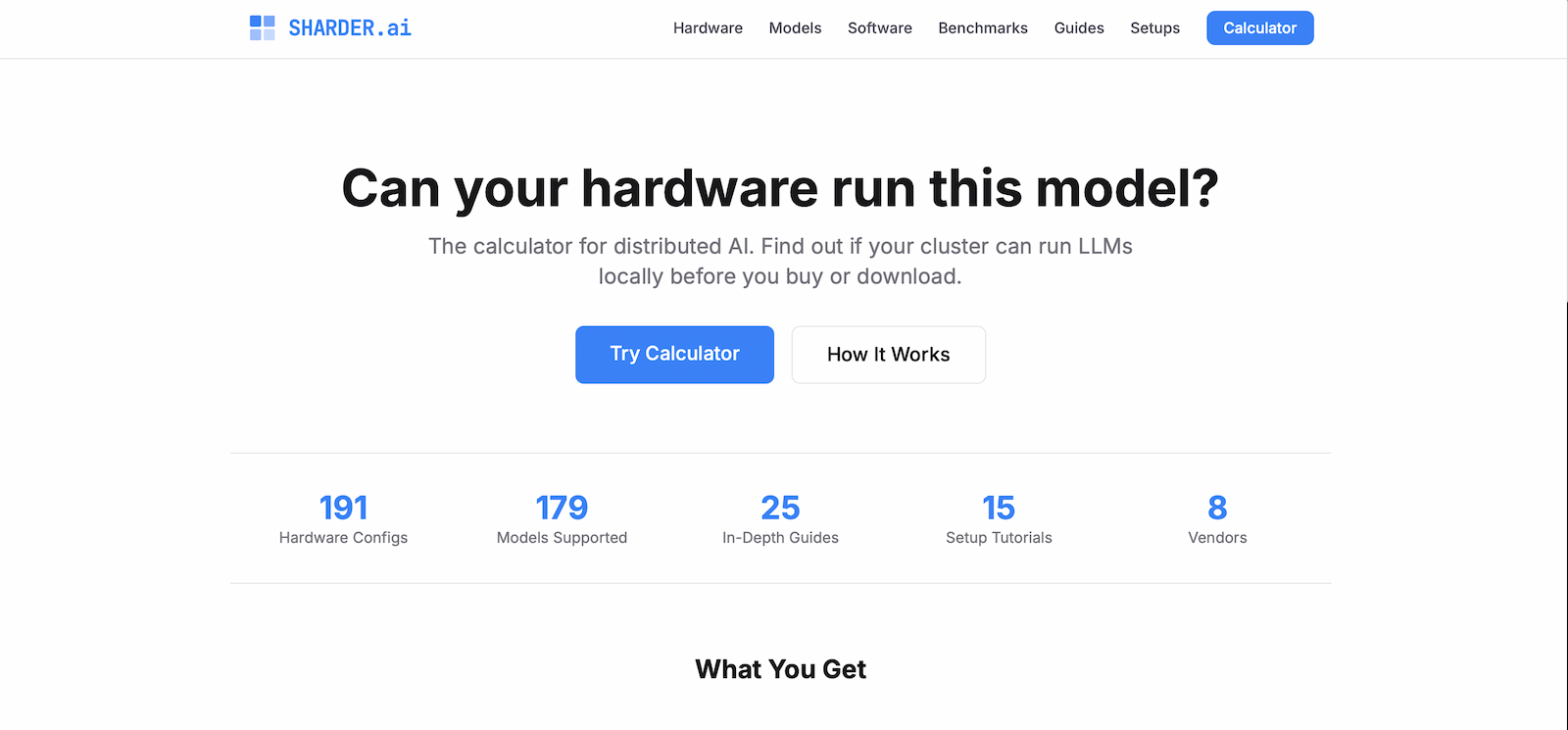
Sharder.ai helps you figure out what hardware you need to run large language models locally. Input a model's parameters and your available GPUs, and the calculator shows how the workload distributes across your cluster — memory requirements, tensor parallelism options, and estimated performance.
Running AI locally means understanding the relationship between model size, quantization, VRAM, and parallelization strategies. These calculations are straightforward but tedious. Sharder handles the math so you can focus on choosing the right configuration.
The tool grew from my own experiments with local LLM deployment. Every time I evaluated a new model or GPU configuration, I found myself running the same calculations. Sharder automates that process.
Features
- Model parameter input with common presets (7B, 13B, 70B, etc.)
- GPU configuration with VRAM and memory bandwidth specs
- Quantization options: FP16, INT8, INT4, GPTQ, GGML variants
- Tensor parallelism and pipeline parallelism calculations
- Memory breakdown: weights, KV cache, activation memory
- Estimated tokens per second based on memory bandwidth
- Support for multi-GPU and multi-node configurations
The Math Behind It
Running a 70B parameter model requires roughly 140GB in FP16 — far more than any single consumer GPU. But quantize to INT4 and you're down to 35GB, splittable across multiple cards. Sharder visualizes these tradeoffs.
The calculator factors in more than just weight storage. KV cache grows with context length. Activation memory scales with batch size. Understanding the full picture prevents out-of-memory surprises during inference.
Who It's For
Sharder serves anyone building local AI infrastructure: hobbyists deciding which GPUs to buy, researchers planning cluster configurations, developers estimating deployment costs. The tool answers the question "can I run this model on my hardware?" before you commit resources.
Minimal by Design
The interface stays focused on the core calculation. No accounts, no saved configurations, no complexity. Enter your numbers, get your answers, plan your build. The simplicity matches the single-purpose nature of the tool.